
Capability overview

Ryujinx Features

A complete breakdown of the capabilities that make Ryujinx a leading open-source Nintendo Switch emulator for desktop platforms.

4,050+Tested
3,400+Playable
v1.3.3Stable
3 OSPlatforms
01 Library

Game Library and Compatibility Tracking

Ryujinx scans your game directories for NSP, XCI, and NCA formats. The library shows title IDs, versions, and play status. With more than 4,050 titles tested and about 3,400 playable, compatibility is documented at scale.
  • Automatic directory scanning and refresh
  • Per-title configuration profiles
  • Built-in update and DLC installation
  • Compatibility notes for known edge cases
Guide: add game folders
Title grid view listing installed packages and play states
02 Monitoring

Real-Time Performance and System Monitoring

Monitor frame times, CPU and GPU load, and internal HLE logs while you play. Diagnose stutter, shader compilation spikes, and FIFO warnings without leaving the emulator.
  • Configurable logging levels and file output
  • FPS counter and frame pacing tools
  • Shader cache management from settings
  • Async shader compilation to reduce hitching
Guide: improve FPS
Live frame-time graph and subsystem load indicators during play
03 Security

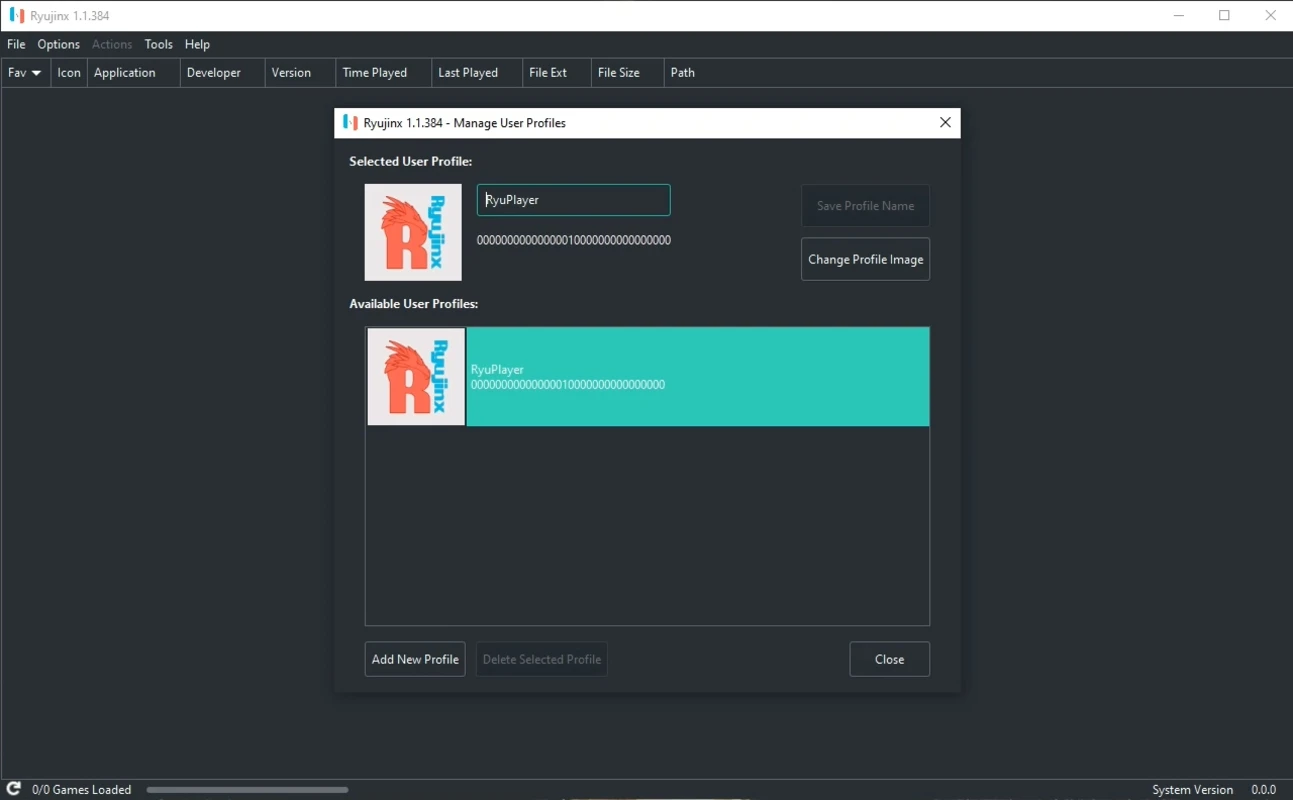
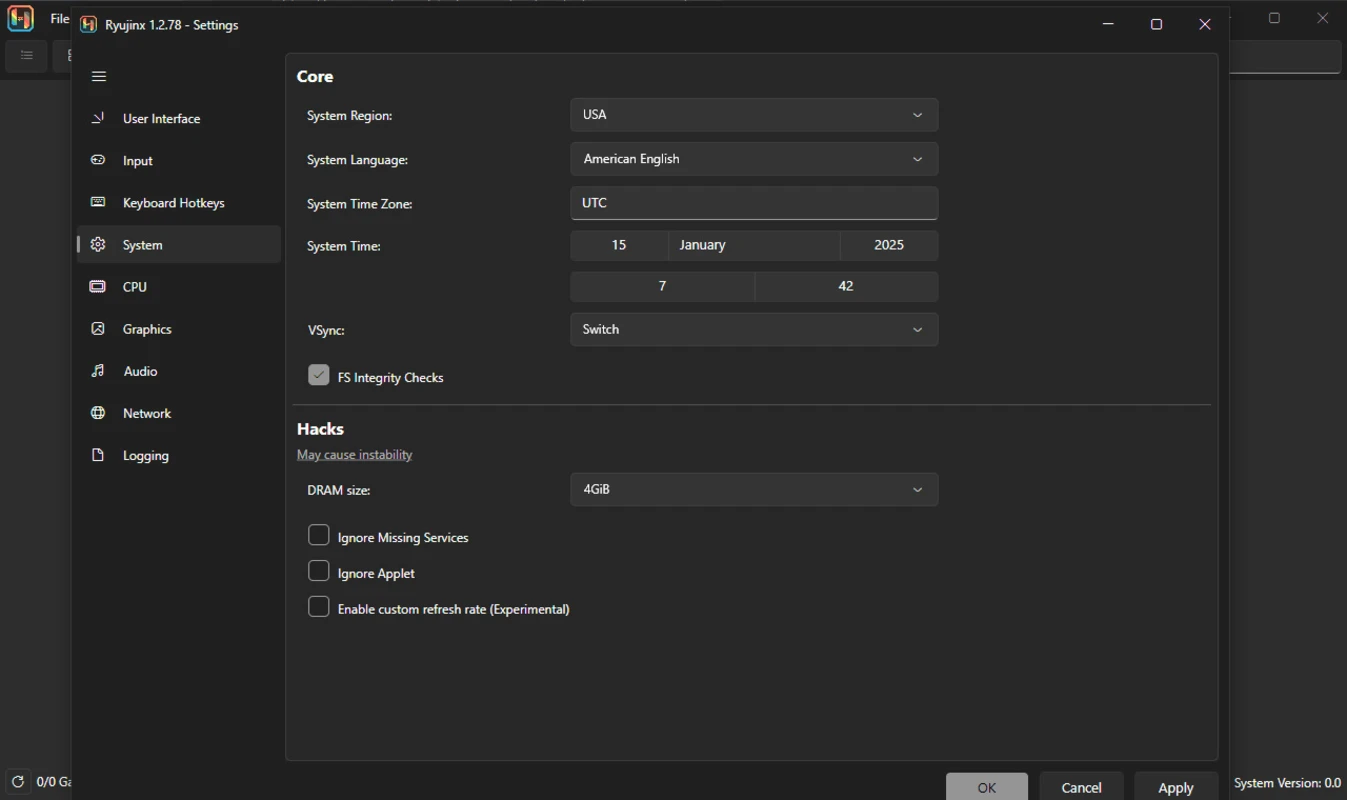
Keys, Firmware, and Secure Profiles

Ryujinx requires prod.keys and title.keys from hardware you own, plus optional system firmware for many titles. Install keys through the Actions menu or the system folder. Firmware installs via Tools with verification feedback.
  • prod.keys and title.keys placement under system/
  • Firmware install from ZIP, folder, or XCI
  • Per-game user profiles and save data paths
  • Portable install mode for USB deployments
Guide: install keys and firmware
Firmware and key import panel with file picker controls
04 Graphics

Performance Insights: GPU, PPTC, and Scaling

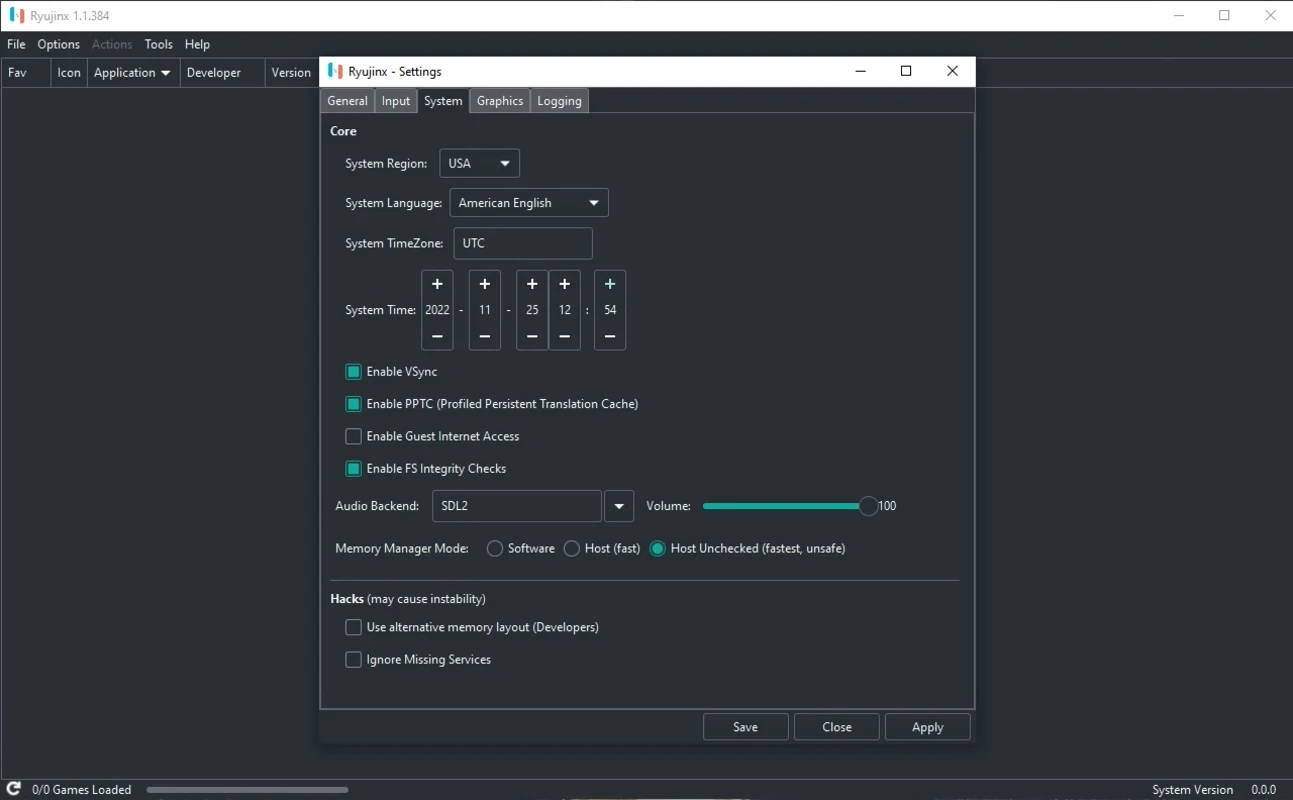
ARMeilleure emulates the Switch ARMv8 CPU with profile caching (PPTC) that dramatically cuts load times after the first session. The Maxwell GPU is rendered through OpenGL, Vulkan, or Metal with resolution scaling, anti-aliasing, and anisotropic filtering.
  • Vulkan recommended on modern NVIDIA and AMD GPUs
  • OpenGL fallback for legacy hardware
  • Metal on macOS and Apple Silicon
  • Resolution scale up to 4K on capable systems
Guide: choose graphics backend
Renderer selection with resolution scale and vsync options
05 Content

Mods, DLC, and Cheat Integration

Manage expansions and patches from the graphical interface. Drop mod folders into the managed path, enable cheats per title, and apply game updates without manual file surgery.

  • NSP update and DLC installation wizard
  • Mod directory shortcuts from the UI
  • Cheat database support with hotkeys
  • Exefs and RomFS mod layering
Guide: install mods and DLC
Title grid view listing installed packages and play states
06 Input

Input, Audio, and Desktop Integration

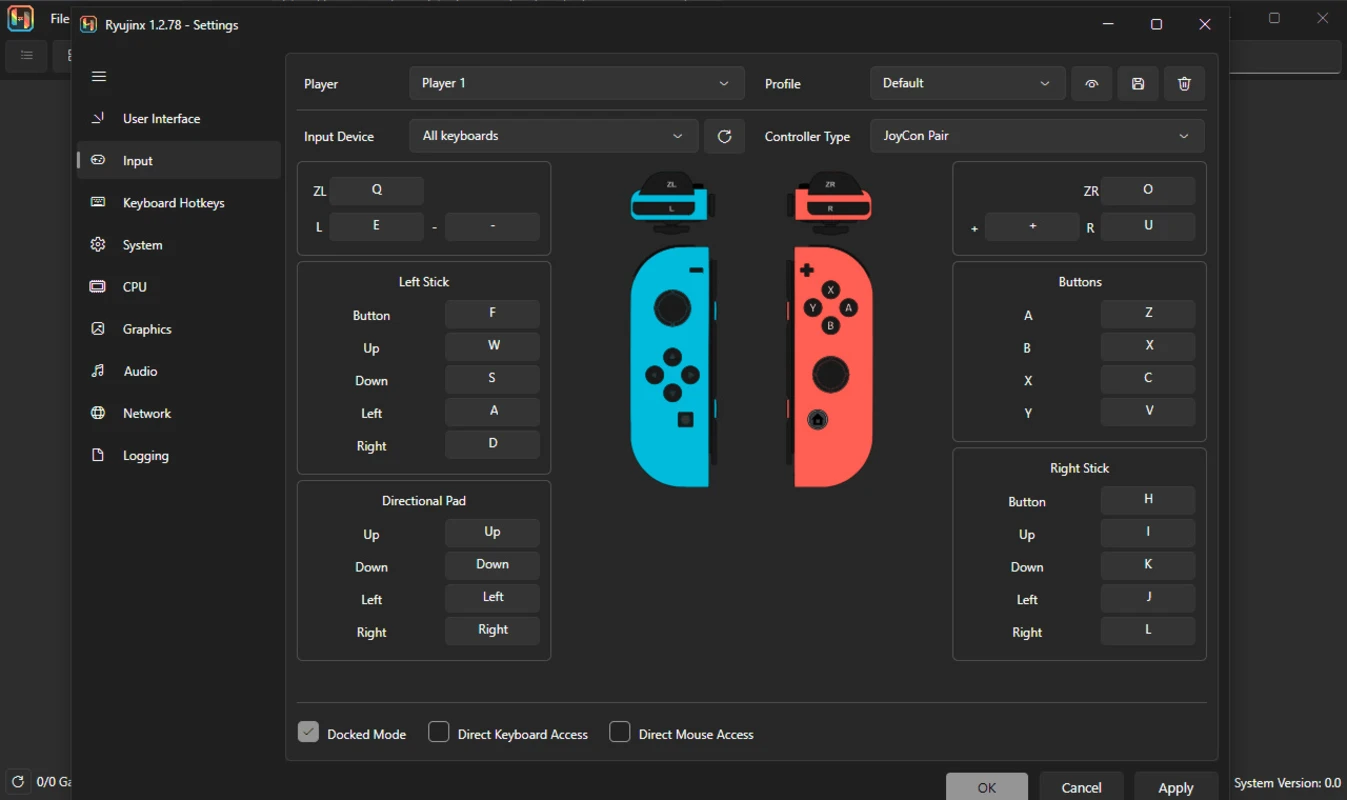
Map Joy-Con pairs, Pro Controller, Xbox, PlayStation, keyboard, and mouse. Native touch input mirrors handheld play. Audio routes through OpenAL, SDL2, or libsoundio for full in-game sound.

  • Motion controls and HD Rumble where supported
  • Configurable hotkeys for fullscreen and screenshots
  • Steam Deck and Linux gamepad auto-detection
  • LDN multiplayer experiments with community bridges
Guide: configure controllers
Renderer selection with resolution scale and vsync options

Open-source core

MIT-licensed emulator with auditable builds and community-driven compatibility tracking.

Cross-platform

Windows, Linux, and macOS builds with Vulkan, OpenGL, and Metal renderer paths.

Desktop-first workflow

Library management, mods, DLC, controllers, and performance tools in one interface.

Need help tuning these features?

Our guides cover setup, troubleshooting, and best practices step by step.

Download